AI App Selector
What do you need to do?
Recommended Tools
Select a use case to see recommendations
Pro tip: Combine tools for better results. Use Perplexity for research, Gemini for writing, and ElevenLabs for audio.
You don’t need to pay a dime to use powerful AI tools today. In 2025, free AI apps aren’t just rare experiments-they’re fully functional, widely used, and often better than paid versions from just a few years ago. If you’re wondering whether there’s a real free AI app that does more than chat about the weather, the answer is yes. And you don’t need a credit card, a trial period, or a hidden subscription to start using them.
What counts as a free AI app?
A free AI app isn’t just a demo that locks you out after five messages. It’s a tool that gives you ongoing access to real AI features without charging you. That means text generation, image creation, voice synthesis, code help, and even video editing-all without a paywall.
Some apps give you limited daily usage for free. Others offer full access but with ads or slower processing. A few even let you upgrade later if you want more power. The key is: you can start using them right now, with no money down.
Top free AI apps you can use today
Here are the most reliable free AI apps that actually work well in 2025, tested across phones, laptops, and tablets.
- Google Gemini - Built into Android and accessible via web, Gemini can write emails, summarize articles, generate images, and answer complex questions. The free version gives you access to Gemini Advanced’s reasoning model with no daily limit on text. Image generation is limited to 10 per day, but it’s enough for most users.
- Microsoft Copilot - Powered by GPT-4o, Copilot is free on Windows, iOS, and the web. It can write code, analyze PDFs, create presentations, and even generate custom images using DALL·E 3. You get unlimited text interactions and 15 image generations per day. No login required for basic use.
- Perplexity AI - This is the only AI app that answers questions by citing real sources. Perfect for students, researchers, or anyone who needs accurate info. The free version gives you full access to web search, citations, and summarization. No ads, no paywall.
- Kiwi - A mobile-first AI assistant designed for quick, conversational help. It works offline for basic tasks like note-taking and reminders, and uses cloud AI for complex queries. Free for all users, with no usage caps.
- Stable Diffusion XL (via Hugging Face) - If you want to create AI images without paying for Midjourney or DALL·E, this is your best bet. Hugging Face lets you generate high-res images for free, with a queue system that waits 30-90 seconds per image. No account needed for basic use.
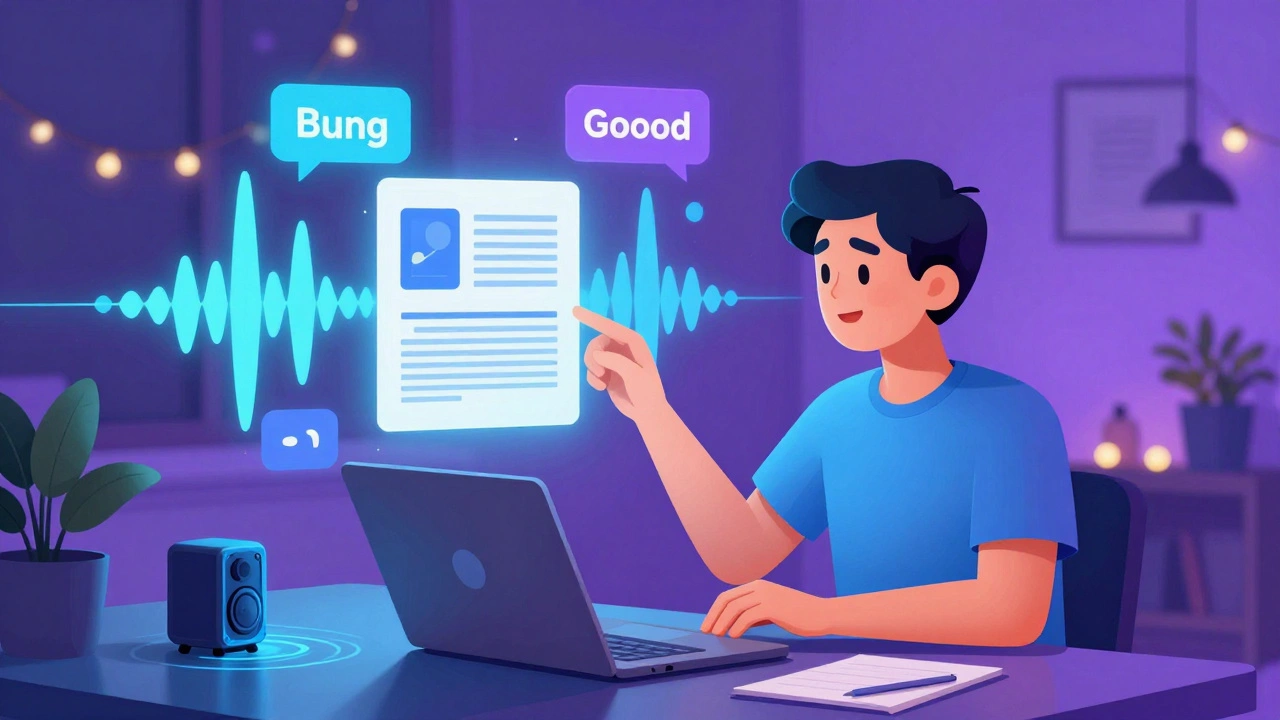
- ElevenLabs (Free Tier) - The best free AI voice generator. You can create realistic speech from text in over 30 languages. The free tier gives you 10,000 characters per month-enough for 30-40 minutes of audio. Great for podcasters, educators, and content creators.
What these apps can actually do for you
These aren’t gimmicks. Real people use them every day for real tasks.
Students in Bangalore use Perplexity AI to write research summaries for assignments without copying sources. Freelancers in Pune use ElevenLabs to turn blog posts into audio clips for social media. Teachers in Jaipur use Gemini to generate quiz questions in seconds. A small business owner in Ahmedabad uses Copilot to draft product descriptions for their Shopify store.
One user in Chennai started using Stable Diffusion XL to create custom wallpapers for their phone. Within a month, they were selling them on Etsy-no design skills needed.
What’s missing in free AI apps?
Free doesn’t mean perfect. Here’s what you’ll notice:
- Slower speed - Free users often wait in a queue. During peak hours, image generation can take up to two minutes.
- Watermarks or branding - Some apps add subtle logos to generated images or audio files.
- Lower resolution - Free image tools often cap output at 1024x1024 pixels. Paid versions go up to 2048x2048 or higher.
- No custom models - You can’t upload your own data to train a personal AI model for free. That’s still a paid feature.
But here’s the truth: for 80% of everyday tasks, these limits don’t matter. You don’t need 4K AI art to make a Facebook post. You don’t need real-time voice cloning to record a voice memo.
How to get the most out of free AI apps
Use these simple tricks to stretch your free access further:
- Combine tools - Use Perplexity to research, Gemini to write, and ElevenLabs to turn it into audio. Free tools work better together.
- Use desktop over mobile - Web versions usually have fewer restrictions than mobile apps.
- Clear cookies or use incognito - Some apps reset your daily limit if you clear your browser data.
- Ask for summaries - Instead of asking for long responses, say: "Summarize this in 3 bullet points." It saves tokens and gets faster results.
- Check for student discounts - Even if an app isn’t free, many offer free tiers for verified students. Google and Microsoft both have this.
Why free AI apps are here to stay
Companies aren’t giving away AI for charity. They’re collecting data, building habits, and making their platforms indispensable. But that’s okay-because the result is better for you.
Five years ago, AI tools cost hundreds of dollars a year. Now, you can access the same power for free. That shift didn’t happen by accident. It happened because competition forced companies to lower barriers.
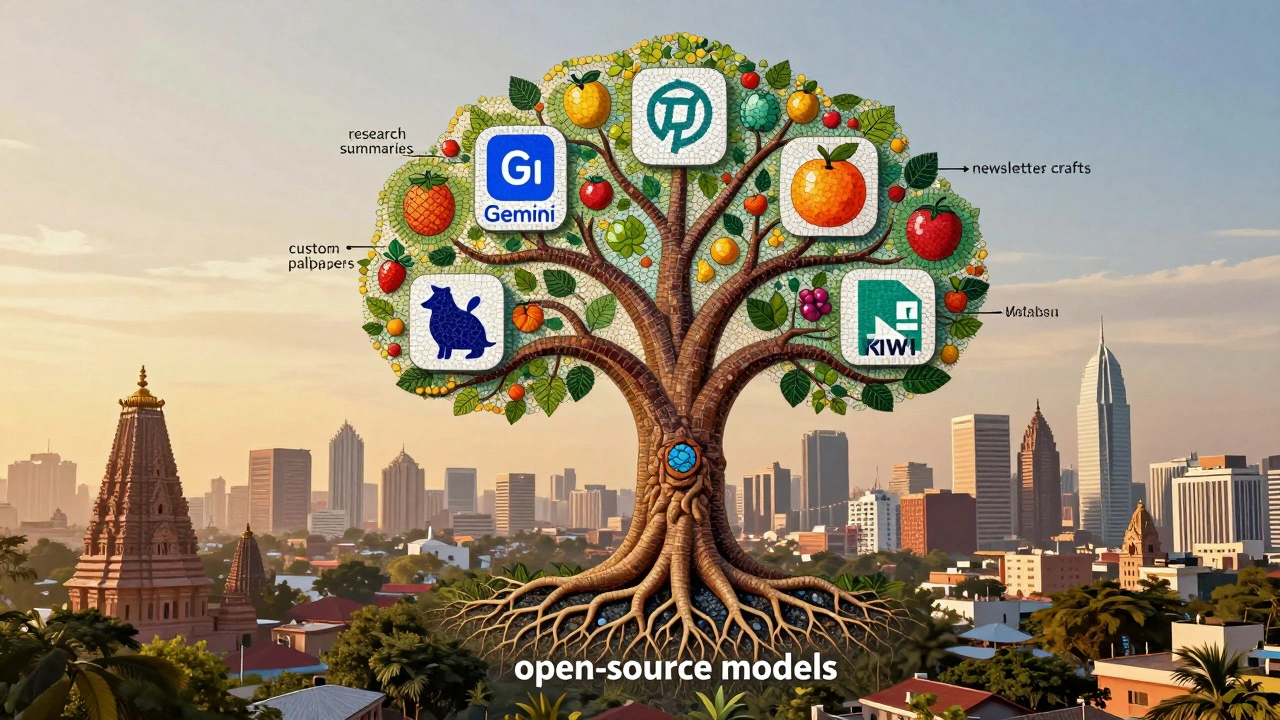
Open-source models like Llama 3 and Mistral have made it cheaper than ever to run AI. Cloud providers like Google and Microsoft can afford to give away access because they make money from the infrastructure behind it.
This isn’t a temporary trend. It’s the new baseline. In 2025, if an AI app doesn’t have a free tier, it’s already behind.
What’s next? The free AI ecosystem
Free AI apps are now part of a growing ecosystem. You can use them to build things that used to require teams of developers.
For example:
- Create a personal wiki using Notion + Gemini to auto-fill content.
- Turn your handwritten notes into a digital flashcard deck using Kiwi + Anki.
- Generate a weekly newsletter from your email inbox using Copilot + Gmail.
There’s no need to wait for a paid upgrade. Start with what’s free. Build something. See what works. Then decide if you need more.
Frequently Asked Questions
Are free AI apps safe to use?
Yes, most major free AI apps like Google Gemini, Microsoft Copilot, and Perplexity AI are safe. They don’t sell your data, and they don’t store your conversations unless you opt in. Avoid unknown apps that ask for your login credentials or personal files. Stick to well-known companies with clear privacy policies.
Can I use free AI apps for work or business?
Absolutely. Many small businesses and freelancers rely on free AI tools for content creation, customer service, and design. Just be careful about confidentiality. Don’t paste sensitive client data into public AI tools. Use them for brainstorming, drafting, and editing-not for handling private information.
Do free AI apps work offline?
Most require an internet connection because the AI runs on remote servers. But some apps like Kiwi offer limited offline features for note-taking, reminders, and basic text completion. For full AI power, you’ll need to be online.
Is there a free AI app that can edit videos?
Yes. CapCut’s AI tools are free and let you auto-generate captions, remove backgrounds, and even create short videos from text prompts. Runway ML also has a free tier with basic video editing and AI effects. Neither requires a credit card.
Why do some free AI apps ask for my phone number or email?
They do it to manage usage limits and prevent abuse. A phone number or email helps them track daily quotas. It doesn’t mean they’re selling your data. If you’re uncomfortable, look for apps that let you use them anonymously, like Hugging Face’s Stable Diffusion or Perplexity AI’s web version.
Will free AI apps disappear if I don’t pay?
No. The free tiers of major apps are stable and unlikely to vanish. Companies like Google and Microsoft invest billions in AI because they want you to use their platforms. Removing free access would hurt their user growth. If limits change, they’ll announce it months in advance.
Start today, no credit card needed
You don’t need to wait for a better tool. You don’t need to save up for a subscription. The best AI apps are already free-and they’re better than anything available five years ago.
Open one of the apps listed above. Type a simple question. See what happens. You might be surprised at how much help you get-for free.